



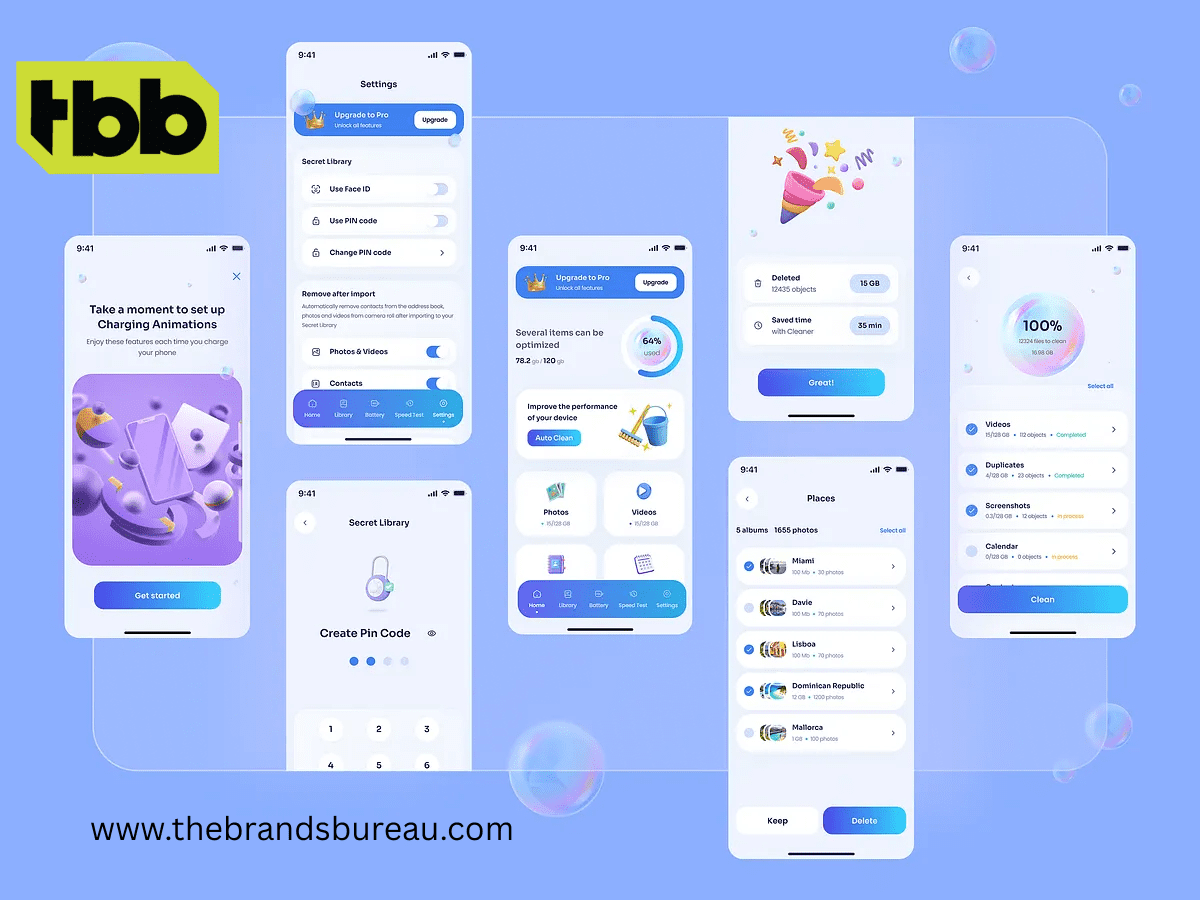
Digital era, the success of a mobile application largely depends on its user interface (UI) and user experience (UX). A visually appealing design is not enough; the app must be intuitive, engaging, and seamless. Businesses across Dubai, Oman, New York, Los Angeles, Kuwait, and Sharjah are investing in mobile app UI UX design to ensure their applications stand out, retain users, and maximize conversions.
Professional UI/UX design is no longer optional — it is a strategic business decision. In this article, we will explore the core principles, best practices, and benefits of effective mobile app UI UX design while highlighting the role of expert graphic design and creative services.
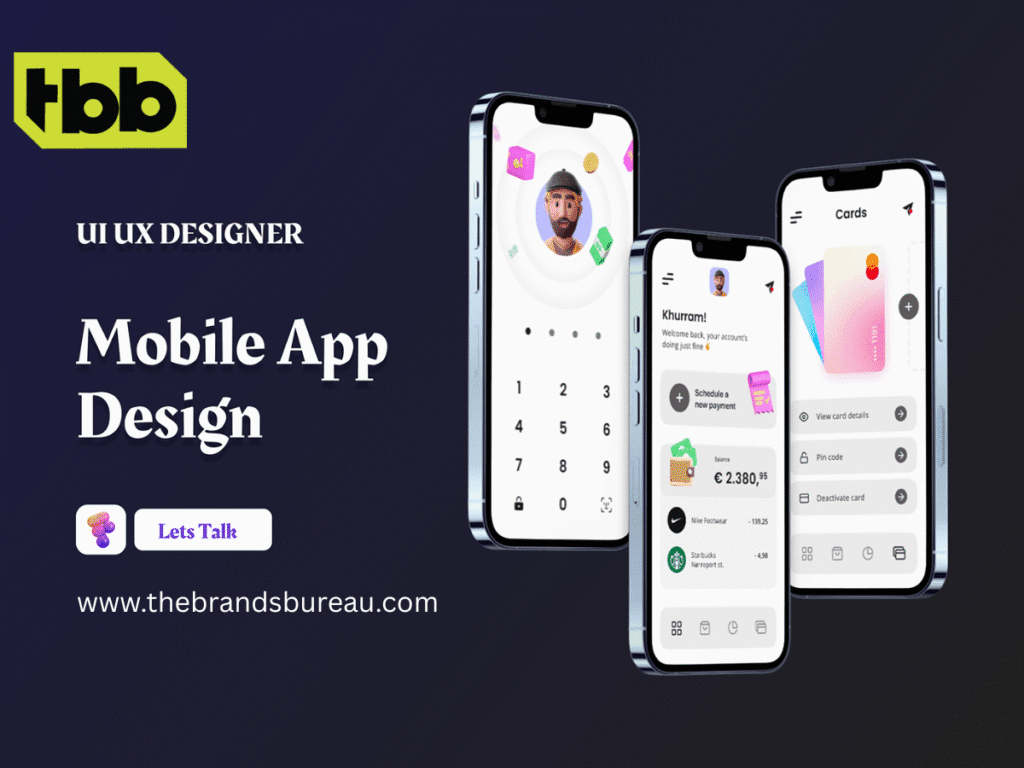
Understanding Mobile App UI UX Design
Mobile app UI UX design is a combination of two critical disciplines:
Together, UI and UX create an immersive and engaging experience that keeps users coming back.
Key Takeaways:
Investing in professional mobile app UI UX design can significantly improve app performance and business outcomes. Here’s why:
Core Principles of Effective Mobile App UI UX Design
Creating an effective mobile app design involves following essential principles that balance aesthetics with usability.
Design must focus on the target audience. Conduct surveys, user testing, and interviews to understand user expectations.
Tip: Use personas and journey maps to visualize the user’s path.
Consistency in design elements helps users navigate intuitively. Visual hierarchy guides users to key actions.
Examples:
Simplified interfaces reduce cognitive load. Avoid unnecessary features or cluttered screens.
Benefits: Faster navigation, better focus, and improved app performance.
Users need feedback for every action they take — like animations, button highlights, or confirmation messages.
Impact: Builds trust and prevents errors.
Design apps that cater to users with disabilities by including features like high-contrast modes, voice commands, and readable fonts.
Prioritize mobile layouts before scaling to tablets or desktop. This ensures optimal performance on small screens, touch interactions, and fast load times.
Here are actionable practices that top design agencies like The Brands Bureau follow:
Pro Tip: Combining these tools with A/B testing ensures the app meets user expectations before launch.
To stay ahead, businesses must integrate current trends:
These trends enhance user experience, making apps more intuitive and enjoyable.
Graphic design is integral to UI UX. It creates visual harmony, communicates brand values, and enhances usability. Elements include:
A creative approach to graphic design complements functionality, providing a holistic user experience.
Benefits of Hiring Professional UI UX Design Services
Working with experienced agencies like The Brands Bureau ensures:
| Feature | DIY Design | Professional Design |
| Quality | Basic, template-based | High-quality, custom |
| User Testing | Limited | Extensive usability testing |
| Brand Alignment | Generic | Fully aligned with branding |
| Scalability | Often limited | Easily scalable |
| Conversion Optimization | Minimal | Strategically designed |
Professional design ensures your app not only looks good but performs optimally.

Investing in mobile app UI UX design is essential for business success in today’s competitive digital landscape. A thoughtfully designed app enhances engagement, boosts conversions, and strengthens brand credibility. By partnering with experienced agencies like The Brands Bureau, companies in Dubai, Oman, New York, Los Angeles, Kuwait, and Sharjah can create high-performing, visually appealing, and user-friendly applications.
Take the next step: Transform your app idea into a stunning reality with expert UI UX design services today!
1. What is mobile app UI UX design?
Mobile app UI UX design combines visual interface (UI) and user experience (UX) principles to create intuitive, engaging, and user-friendly applications.
2. Why is UI UX design important for mobile apps?
Effective UI UX improves user engagement, reduces churn, increases conversions, and strengthens brand perception.
3. How long does it take to design a mobile app UI UX?
Typically, UI UX design takes 4–8 weeks depending on app complexity, platform, and testing requirements.
4. What tools are used for UI UX design?
Popular tools include Figma, Sketch, Adobe XD, and InVision for prototyping and design testing.
5. Can UI UX design increase app downloads?
Yes, a well-designed app enhances user satisfaction, positive reviews, and app store rankings, leading to more downloads.
6. How do I choose the right UI UX design service?
Look for experienced agencies with a portfolio, positive client reviews, and expertise in your target industry.
The Brands Bureau is a leading IT and creative solutions provider specializing in UI UX design, mobile app development, web development, SEO, and digital marketing. With a focus on innovation and user-centered design, our experts help businesses worldwide deliver apps that drive engagement, conversions, and lasting impact.





Leave A Reply Now